I worked on Advent of Code this month. I have been doing this for several years. Advent of Code has 25 days of coding puzzles where you solve two parts for each day to earn a star. With help from friends and social media, I was able to complete 14 days on the site.
I decided this year to try out Visual Studio 2022 with C#. The IntelliSense is really impressive. I still don’t understand how to avoid getting myself into a state where what I was seeing is not I will get. If I had to guess, it was because I kept typing out what I normally type before accepting the suggestion text. Hard to get out of my habit of typing out line of code.
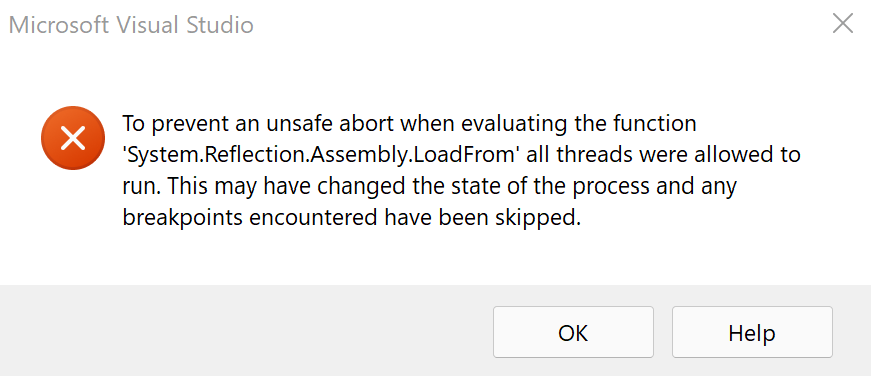
My only issue with Visual Studio 2022 is the debugging aspect. It seems buggy for me. When running the debugger, it takes over 30 seconds to evaluate and typically give me an error when using the Watch functionality (see below image for the error message). My friends say they haven’t experienced what I have. Funny, if I run the project in Visual Studio 2019, code runs just fine. I guess Visual Studio 2022 is letting me know I depend on the debugger way too much.
My other goal with Advent of Code was completing all 25 puzzles and avoid using recursive functions. I didn’t fulfill either of those goals. It’s getting close to a new year and I want to focus on enjoying my vacation. Recursive functions are handy, despite being really tough to debug if you have any flaws in them. My friends quickly convinced me to abandon my no-recursive goal. It does make me wonder what goals I will set for 2022 Advent of Code.